Keystone TUI
Keystone TUI is an opinionated set of terminal tools and configuration options. It can replace Homebrew on macOS or your OS's native package manager. It is compatible with both macOS and Linux distributions, and comes enabled by default on Keystone OS.
Included Tools
- Helix: A modal editor (alternative to Vim/Neovim).
- Zellij: A terminal multiplexer (alternative to tmux/screen).
- Zoxide: A smart cd command that learns your habits.
- Ripgrep: A line-oriented search tool that recursively searches the current directory for a regex pattern.
- Lazygit: A simple terminal UI for git commands.
- Lazydocker: A simple terminal UI for docker.
- AI Tools: Integration with popular AI models like Claude, Gemini, Codex, and OpenAI's open-source models, providing intelligent assistance directly in your terminal.
Getting Started
To get started with Keystone TUI, simply follow our installation guide. Once installed, you'll have immediate access to a powerful and consistent terminal environment.
Prefer a ready-to-use template? Start from the nix-config-starter repo to bootstrap any Keystone offering.
Deep Dive
Learn how we use Nix Dev Shells to create reproducible development environments.
Screenshots
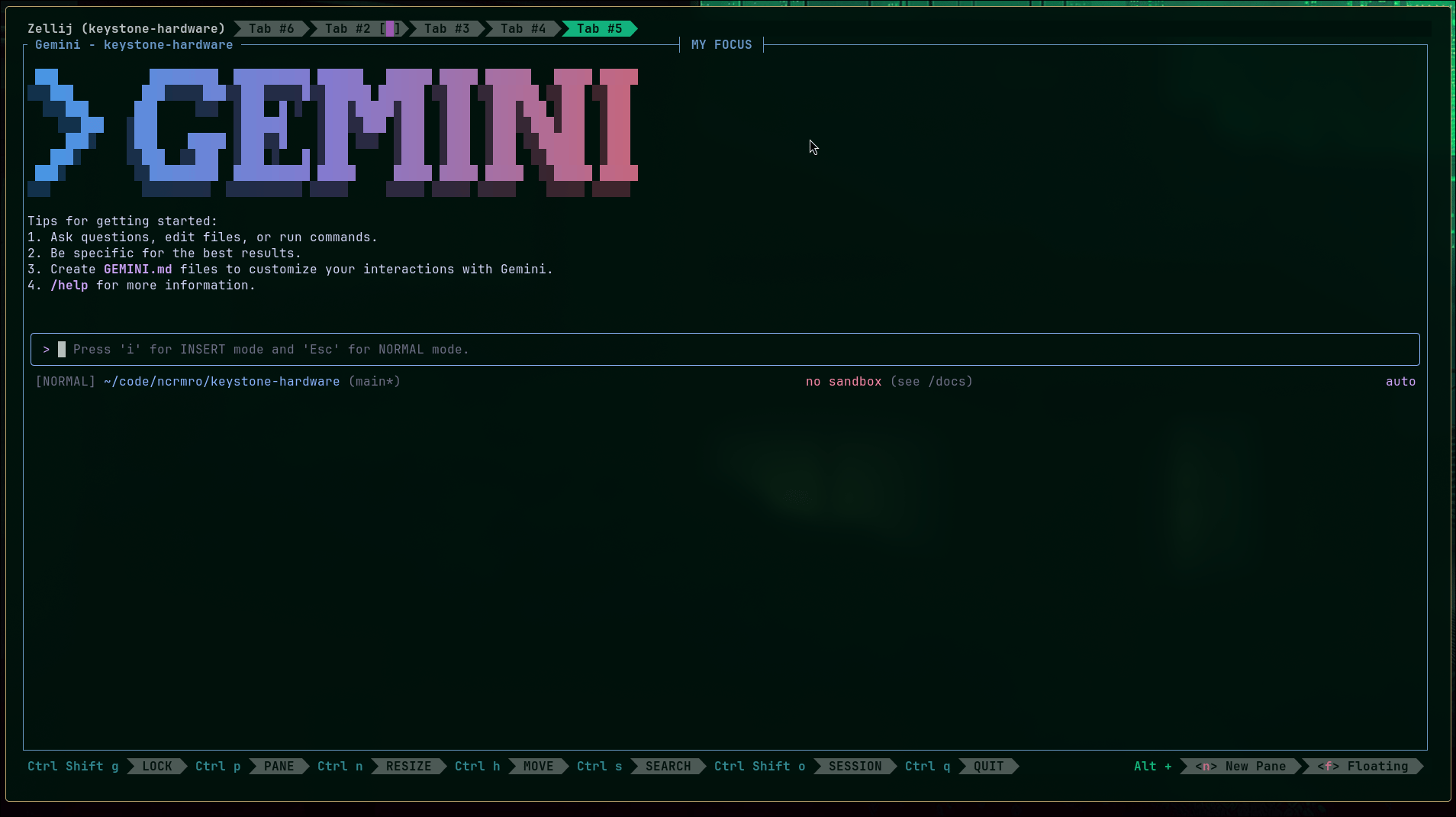
Zellij: A modern, feature-rich terminal multiplexer.
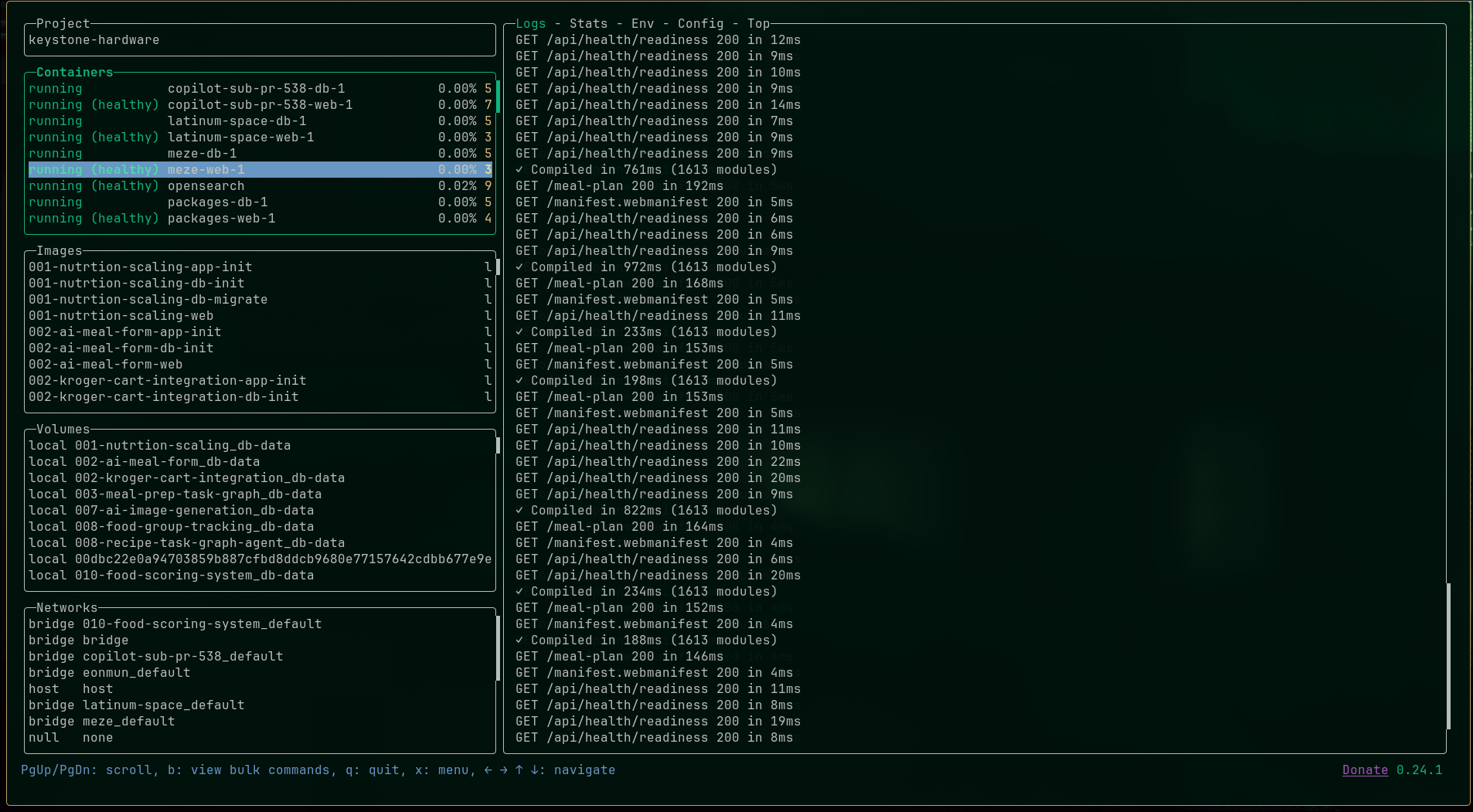
Lazydocker: A simple terminal UI for managing Docker.
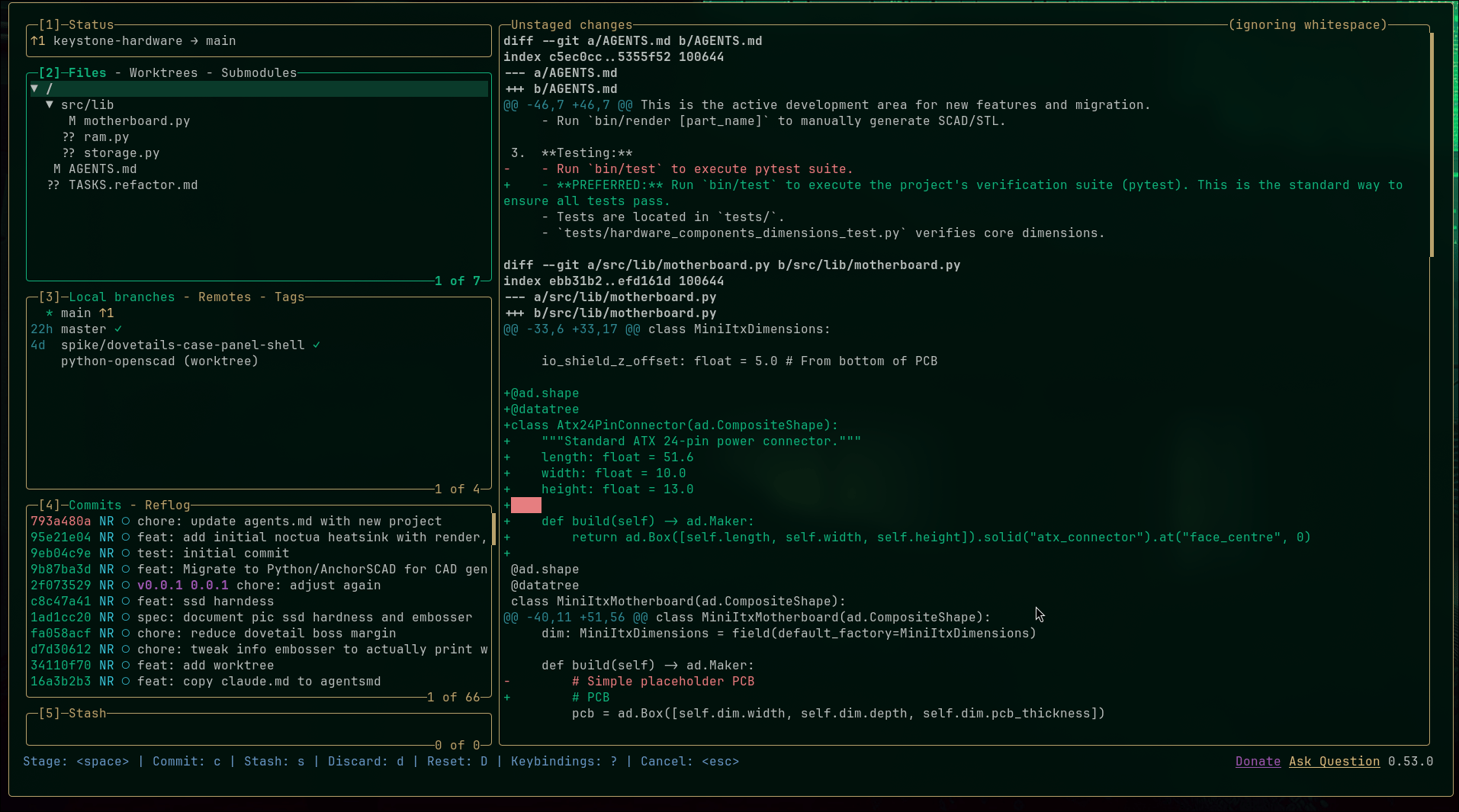
Lazygit: A simple terminal UI for git commands.
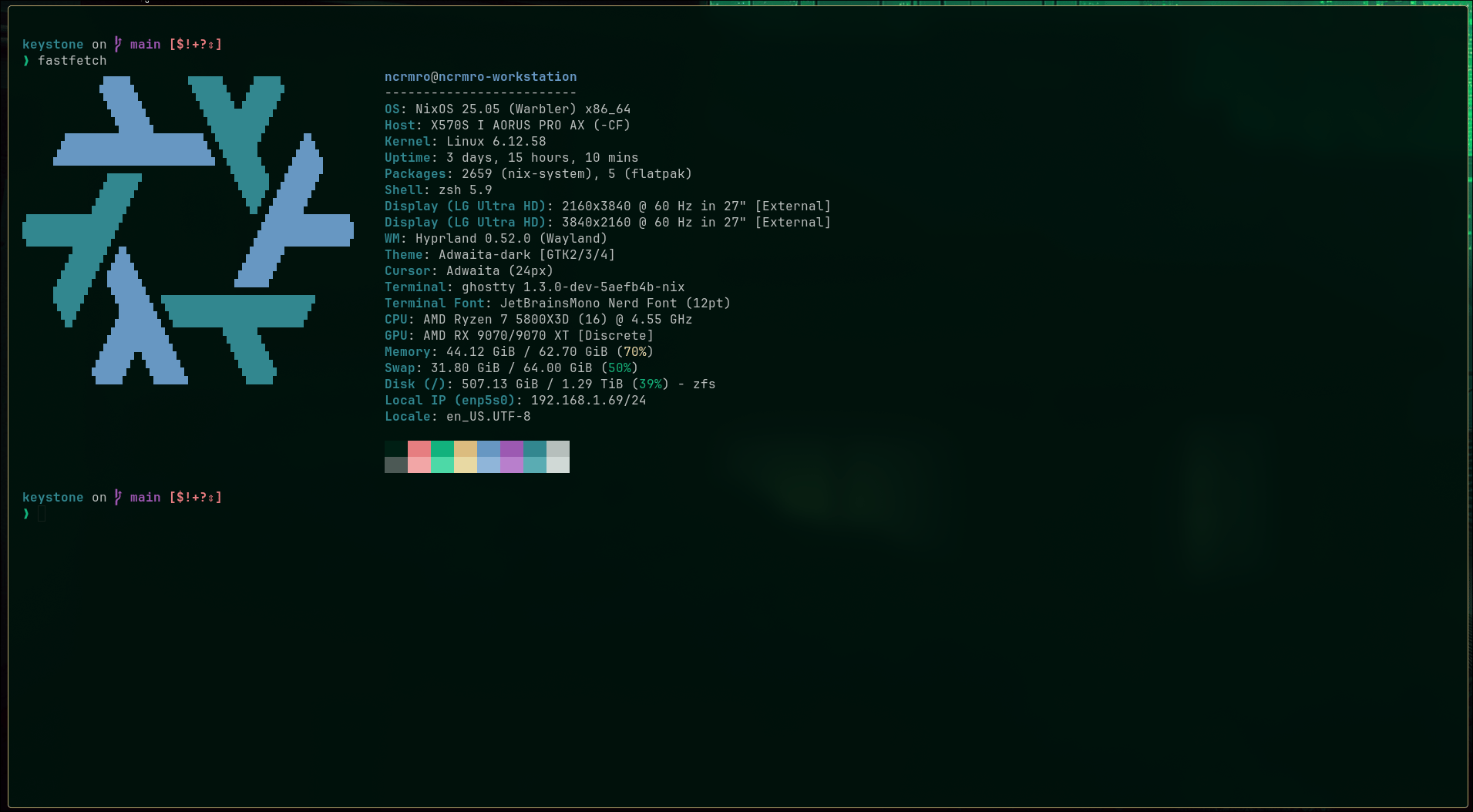
Fastfetch: A neofetch-like tool for fetching system information.
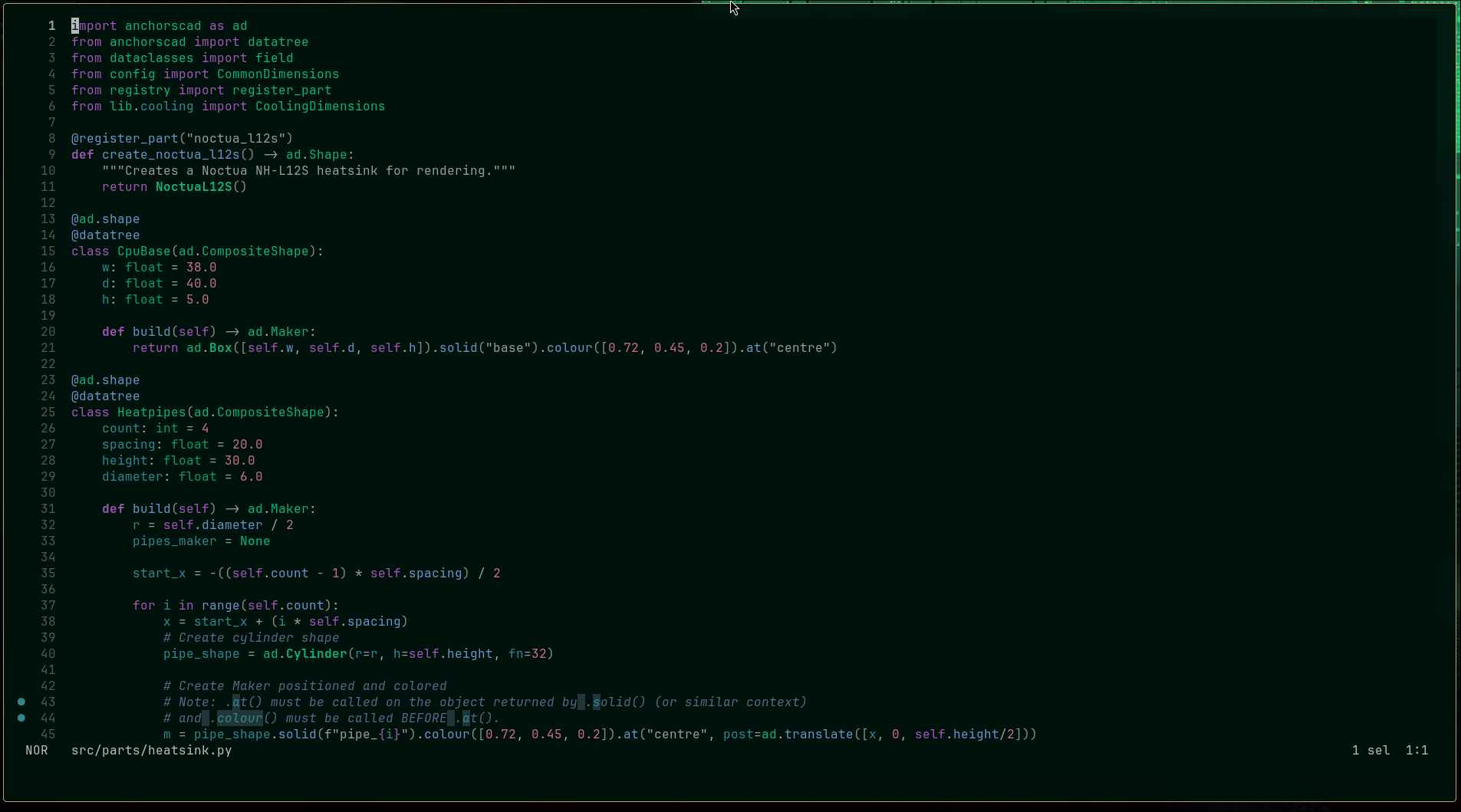
Helix: A post-modern modal text editor.
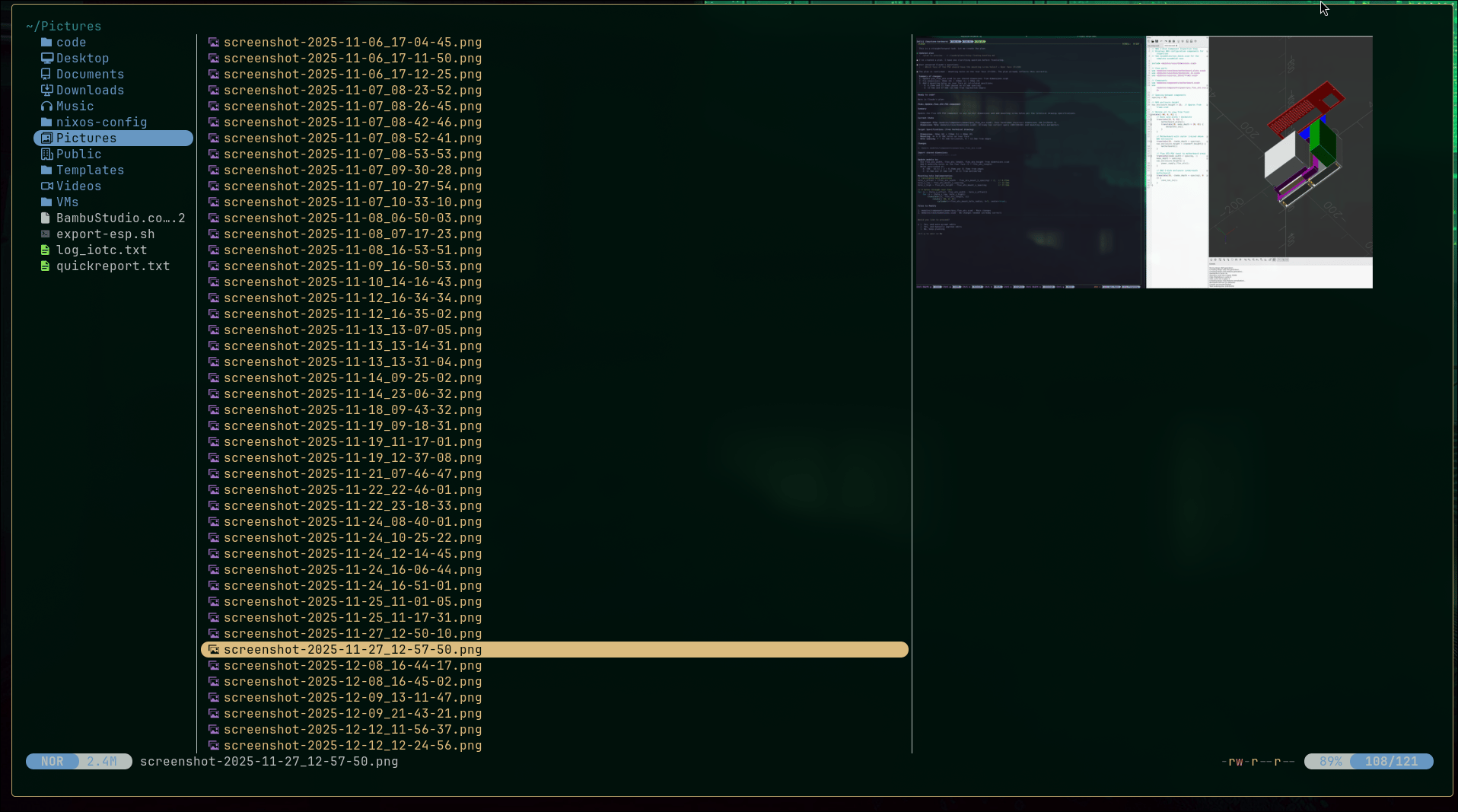
Yazi: A modern, asynchronous terminal file manager.
Nix Flake Examples
Example: Using the Keystone Flake
For a more comprehensive setup, you can directly use the official Keystone flake, which integrates Home Manager and other system configurations:
{
  description = "A very basic flake";

  inputs = {
    nixpkgs.url = "github:nixos/nixpkgs?ref=nixos-unstable";
    keystone.url = "github:ncrmro/keystone";
    # You could use home-manager directly, but the keystone flake includes it as well.
    # home-manager.url = "github:nix-community/home-manager";
    # home-manager.inputs.nixpkgs.follows = "nixpkgs";
  };

  outputs = { self, nixpkgs, keystone, ... }@inputs: {

    packages.x86_64-linux.hello = nixpkgs.legacyPackages.x86_64-linux.hello;

    # Home Manager Configuration (Standalone)
    # Manages user-specific configuration (dotfiles, shell setup, user packages, etc.) independently of the OS.
    # Useful for non-NixOS systems (like macOS or generic Linux).
    #
    # To apply changes for 'jdoe-macbook':
    # $ nix run home-manager/master -- switch --flake .#jdoe-macbook
    #
    # Git Configuration Example (User-specific):
    # To configure Git for a specific user via Home Manager (e.g., in ./home/jdoe/home.nix):
    # programs.git = {
    #   enable = true;
    #   userName = "John Doe";
    #   userEmail = "john.doe@example.com";
    # };
    # This enables git, installs the binary, and manages the user's ~/.gitconfig.
    # This git installation and configuration is only accessible to this specific user.
    # More Home Manager options can be found at: https://home-manager-options.extranix.com/
    homeConfigurations = {
      "jdoe-macbook" =
        keystone.inputs.home-manager.lib.homeManagerConfiguration {
          pkgs = nixpkgs.legacyPackages.x86_64-linux;
          extraSpecialArgs = { inherit inputs; };
          modules = [ ./home/jdoe/home.nix ];
        };
    };
  };
}
Example: Flake doing the same thing without the Keystone flake
Alternatively, you can create a simpler flake for just Home Manager:
{
  description = "A simple Nix flake for setting up Home Manager";

  inputs = {
    # Nixpkgs provides a large collection of packages and modules.
    nixpkgs.url = "github:NixOS/nixpkgs/nixos-unstable";

    # Home Manager is a tool to manage your user environment declaratively.
    home-manager.url = "github:nix-community/home-manager";
    home-manager.inputs.nixpkgs.follows = "nixpkgs"; # Ensure Home Manager uses the same Nixpkgs.
  };

  outputs = { self, nixpkgs, home-manager, ... }: {
    # Home Manager configurations for a specific user.
    # IMPORTANT: Replace "jdoe" with your actual system username.
    homeConfigurations.jdoe = home-manager.lib.homeManagerConfiguration {
      pkgs = nixpkgs.legacyPackages.x86_64-linux; # Specify the system architecture and platform.

      modules = [
        # --- Defining Home Manager options directly ---
        # You can set various options for your home environment here.
        {
          home.stateVersion = "23.11"; # The Home Manager option schema version.
          programs.bash.enable = true;
          home.sessionVariables = {
            EDITOR = "helix";
          };
        }

        # For now, let's include some TUI-related packages directly:
        { home.packages = with nixpkgs.legacyPackages.x86_64-linux; [
            helix
            zellij
            zoxide
            ripgrep
            lazygit
            lazydocker
            # Add other TUI specific tools here
          ];
        }

        # You can import other Home Manager modules from your system or external sources.
        # Example: ./configs/my-custom-config.nix
      ];
    };
  };
}
Related docs
All docs →CLI coding agents
How Keystone configures AI coding CLIs with unified skills, MCP, and progressive knowledge loading
Functions
Keystone shell entrypoints and helper commands for terminal workflows
Installing ks
How to install the Keystone Terminal UI environment
ks CLI reference
Command reference for the Keystone infrastructure CLI
Shell Tools
Core CLI tools included in the Keystone terminal environment
SSH Agent
SSH key management via systemd user service for terminal and desktop sessions
Terminal Module
Comprehensive command-line development environment via Home Manager
Thin Client Development
Remote development workflow using mosh, SSH port forwarding, and Zellij session resumption
TUI Developer Workflow
Terminal-based development workflow using modern TUI tools
TUIs
Terminal user interfaces included in the Keystone terminal workflow